How to Repair a Camera Battery Yourself: A Step-by-Step Guide
1. Gather the necessary tools and materials. You will need a soldering iron, solder, a small screwdriver, and a replacement battery.
2. Disassemble the camera. Carefully remove the screws that hold the camera together and separate the parts.
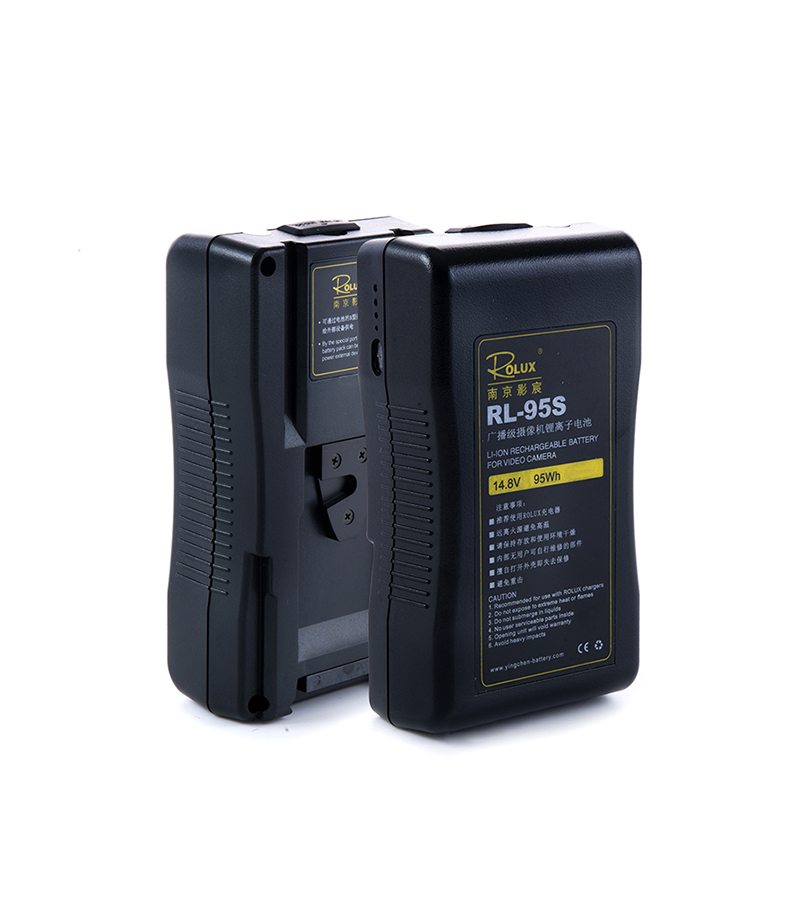
v mount battery
b mount battery
DV battery
gold mount battery
3. Locate the battery. It should be located in the back of the camera.
4. Disconnect the battery. Use the small screwdriver to carefully disconnect the battery from the camera.
5. Remove the old battery. Carefully remove the old battery from the camera.
6. Install the new battery. Connect the new battery to the camera and secure it with the screws.
7. Reassemble the camera. Carefully reassemble the camera and make sure all the screws are tightened.
8. Test the camera. Turn on the camera and make sure it is working properly.
By following these steps, you can easily repair a camera battery yourself. Make sure to use caution when handling the tools and materials, and always wear safety glasses when soldering.
Top 5 V-Mount Battery Manufacturers for Filmmakers When it comes to powering your filmmaking equipment, having a reliable V-Mount battery is essential. These batteries are designed to provide long-lasting power to your cameras, lights, and other gear, allowing you to focus on capturing the perfect shot without worrying about running out of juice. With so…
Keeping your batteries ready is crucial for uninterrupted production, and the Rolux 2-Channel V-Mount Battery Charger delivers efficiency, versatility, and safety for professional use. Designed to handle high-demand workflows, this charger ensures your V-Mount and Gold-Mount batteries are fully powered and ready to go. Dual-Channel Charging Efficiency This charger supports two simultaneous charging channels, allowing…
When mobility and versatility are key, the Rolux 14.4V 50Wh USB-C V-Mount Lithium Battery delivers reliable power in a lightweight, portable design. Ideal for on-the-go filmmakers, photographers, and content creators, it keeps your essential devices running smoothly without weighing you down. High-Efficiency Battery in a Small PackageWith a rated voltage of 14.4V and a capacity…
For professional filmmakers using the DJI Ronin 4D, uninterrupted power is critical for capturing every shot. The Rolux V-Mount Battery Plate provides a secure and efficient solution to keep your gimbal running longer and more reliably. Lightweight and Compact DesignWeighing just 249.4g and measuring 132 × 80 × 8mm, this V-Mount battery plate adds minimal…
For filmmakers and content creators who rely on multiple high-capacity batteries, the Rolux 2-Channel Gold-Mount Battery Charger provides a fast, reliable, and professional-grade solution. Designed to accommodate both V-Mount and Gold-Mount batteries, it ensures your power sources are always ready for action. Dual-Channel Charging for Maximum Efficiency This charger allows simultaneous charging of two batteries,…
For content creators and filmmakers who need dependable energy in a portable design, the Rolux 14.4V 99Wh 6900mAh USB-C Port V-Mount Lithium Battery offers a versatile, reliable power solution for cameras, monitors, and accessories. Lightweight yet powerful, it keeps your gear running smoothly on set or on the move. High Capacity in a Compact Form…

 By following these steps, you can easily repair a camera battery yourself. Make sure to use caution when handling the tools and materials, and always wear safety glasses when soldering.